
Using the Maths Keyboard in the test driver
Candidates can use the maths keyboard as part of an Essay Question when taking tests in the Surpass test driver.
There are two types of maths keyboard available to you – Full and Financial. Item authors decide which type of maths keyboard is available to candidates.
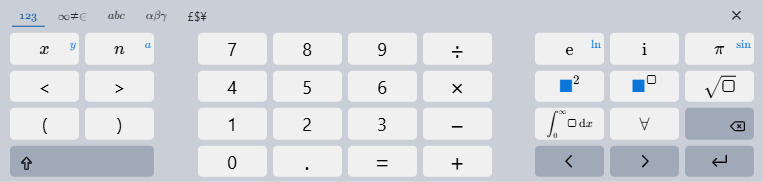
This article explains how to use the maths keyboard, including how to open and close the tool, and outlines the core functionality of the Full and Financial keyboards.
In this article
Opening the Maths Keyboard
Open the maths keyboard by selecting within the formatting tool bar.

Using the Maths Keyboard

Create a new Maths Keyboard area
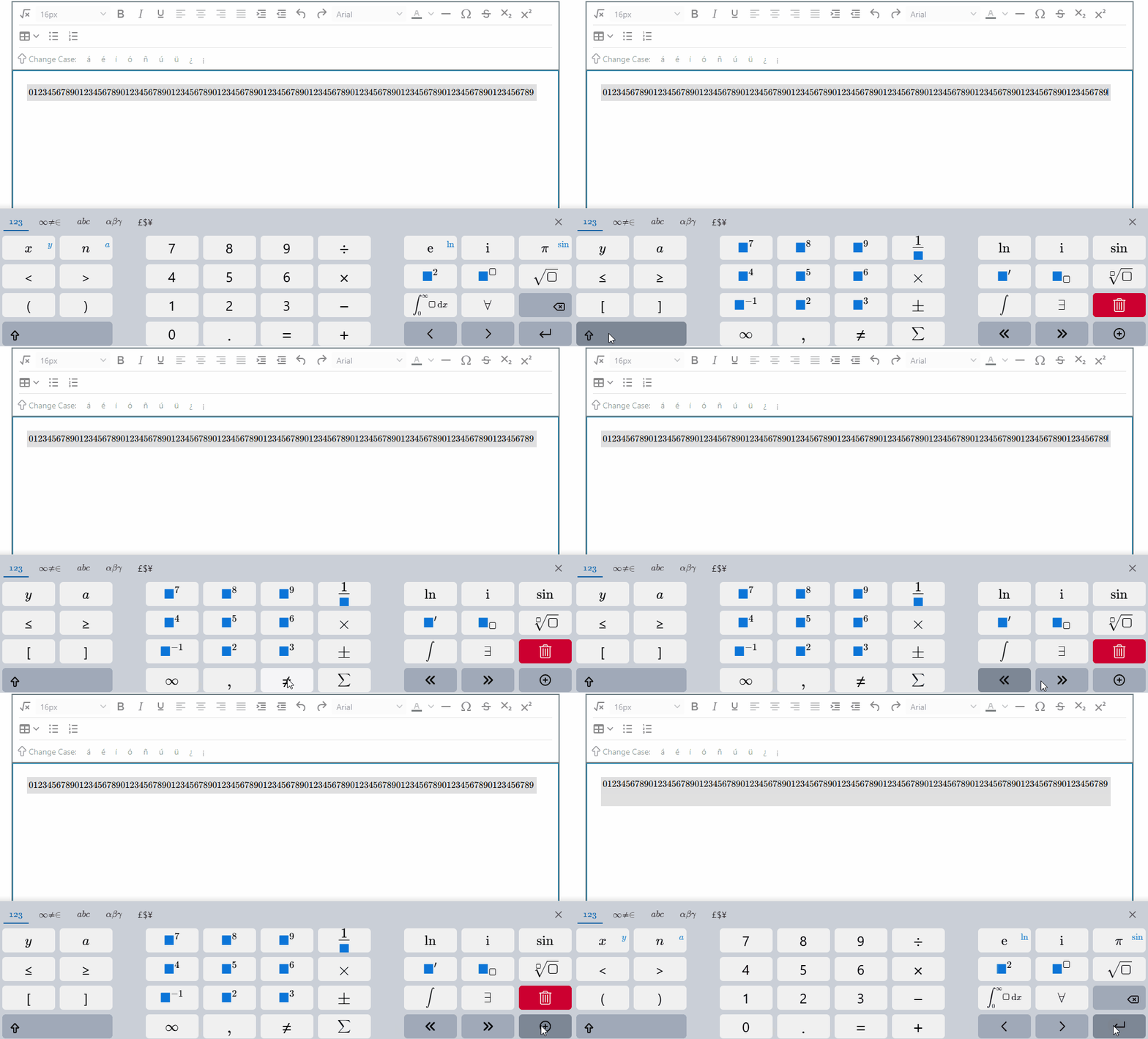
If you were to encounter the prompt that requests you to create a new line/maths keyboard area, this can be achieved by first selecting the shift button , and then the plus sign on the maths keyboard.
Full Keyboard
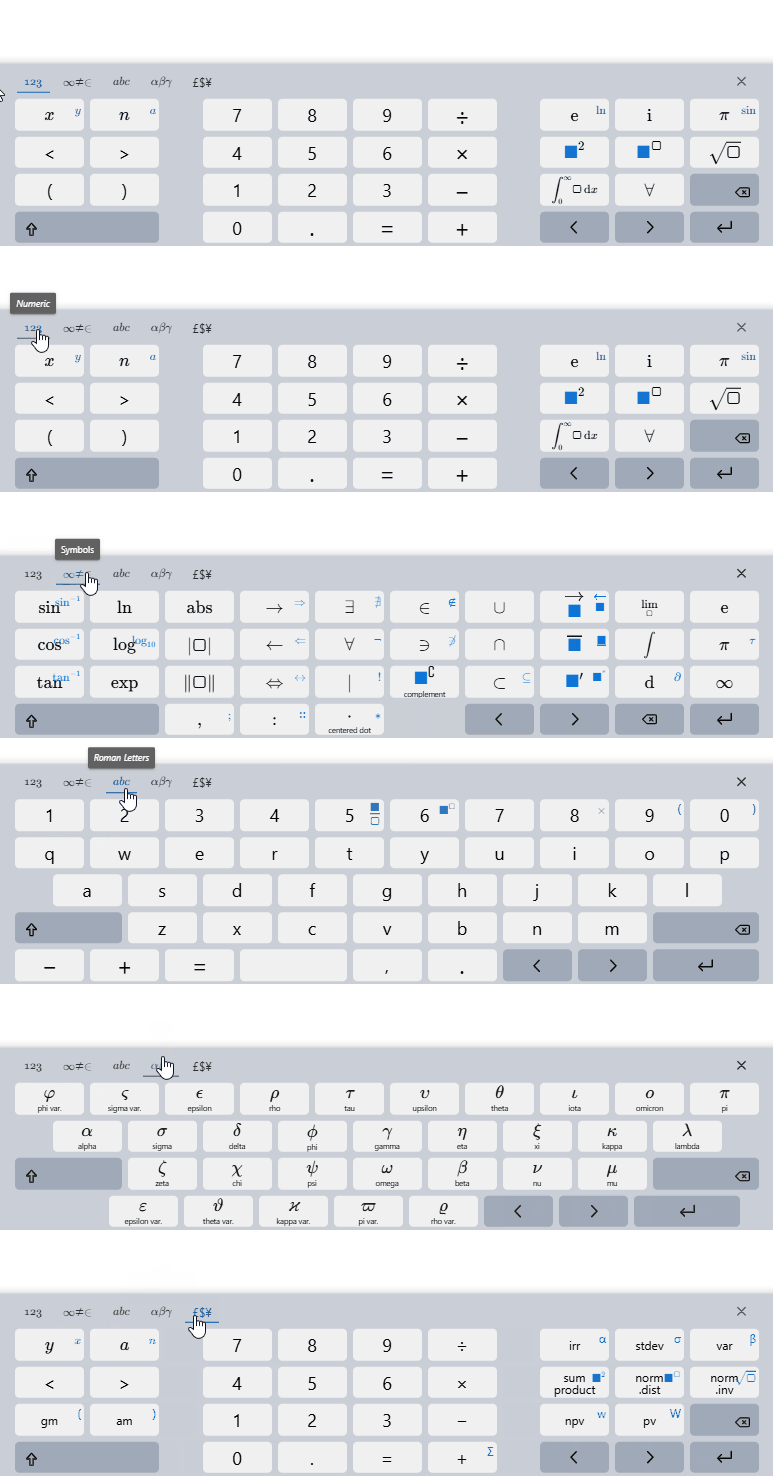
The full maths keyboard includes multiple modes and functionality.
To navigate these modes, select the tabs at the top of the maths keyboard display.
Numeric
The Numeric mode provides a calculator-style keypad for entering numbers and performing basic arithmetic. It includes digits, decimal input, and standard operations such as addition, subtraction, multiplication, division, and equals, along with quick access to simple comparisons and brackets.
Symbols
The Symbols mode contains a wide range of mathematical operators and notation. This includes functions such as trigonometric and logarithmic expressions, set and relation symbols, arrows, limits, infinity, and other common operators used to build more advanced expressions.
Roman letters
The Roman letters mode provides a full alphabetical keyboard for entering standard Latin characters used in algebra. It allows candidates to quickly enter variables and general text within expressions, alongside basic operators and punctuation.
Greek letters
The Greek letters mode includes commonly used Greek characters and their variants, such as alpha, beta, theta, and pi. These are typically used in mathematical notation for constants, angles, and specialised expressions.
Financial Keyboard
The financial maths keyboard combines numeric input with specialised functions used in financial and statistical calculations. It includes functions such as standard deviation, variance, normal distribution, net present value, and internal rate of return, making it suitable for more advanced applied maths.
Closing the Maths Keyboard
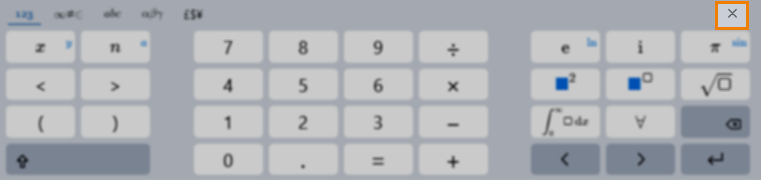
Select Close to close the maths keyboard.
Further reading
Now that you know how to use the notepad tool, read the following articles for more information about the functions of the Surpass test driver: