
Installing Cardea Secure Browser
Secure browser tests can be launched on Windows devices using the Cardea Secure Browser application downloaded from the Microsoft Store. For more information, read About Windows secure browser delivery.
This article explains how to install Cardea Secure Browser.
In This Article
1. Download and install Cardea Secure Browser
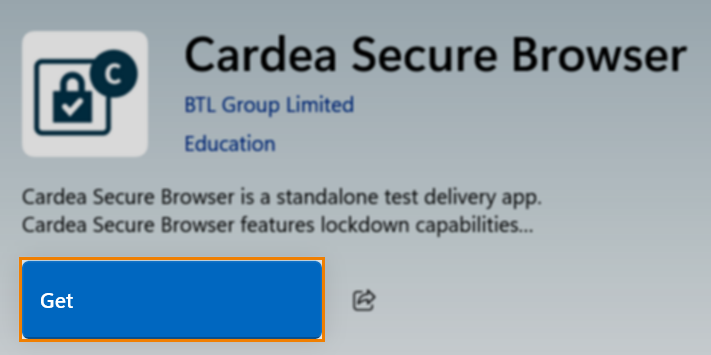
Find Cardea Secure Browser in the Microsoft Store and select Get.
2. Open Cardea Secure Browser
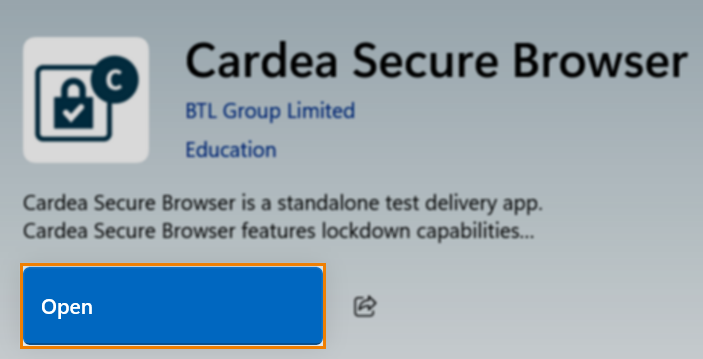
The Cardea Secure Browser application can now be opened. From the Microsoft Store, you can select Open to open the application.
Further reading
To learn more about Windows secure browser delivery, read the following articles: