
Installing the Surpass Publisher
The Surpass Publisher lets you export items from the Surpass Platform so they can be imported into external test drivers.
This article explains how to install the Surpass Publisher.
In this article
1. Download the Surpass Publisher installer
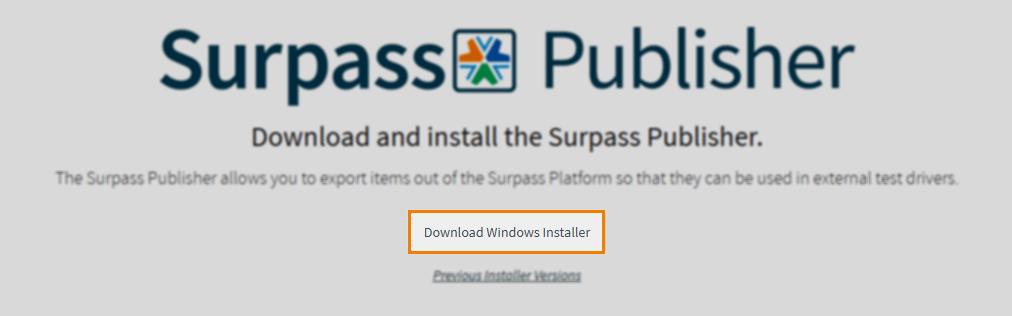
Navigate to the Surpass Publisher installer page: https://publisher.surpass.com/. Press Download Windows Installer.
Downloading previous installer versions
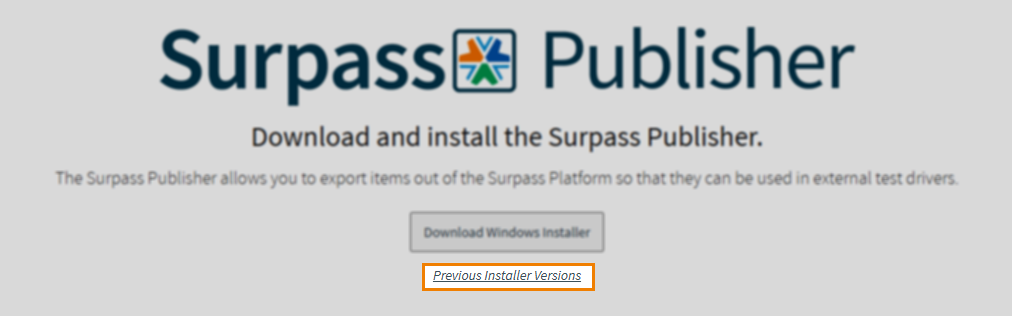
You can also download previous versions of the Surpass Publisher.
Select the Previous Installer Versions hyperlink.
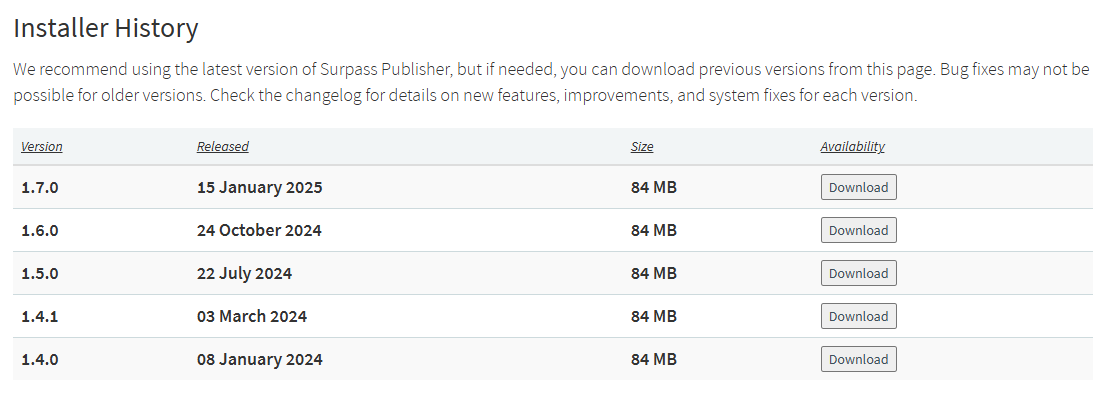
Select a corresponding Download button for the Surpass Publisher version you want to install.
2. Install the Surpass Publisher
Open the Surpass Publisher installer to install the Surpass Publisher, accepting the License Agreement within the Setup Wizard.
3. Launch the Surpass Publisher
Once installed, open the Surpass Publisher to launch it. You can find the Surpass Publisher in your local folder (C:\Users) on Windows, unless your default installation location has been changed.
Further reading
To learn more about the Surpass Publisher, read the following articles: